Licence validation
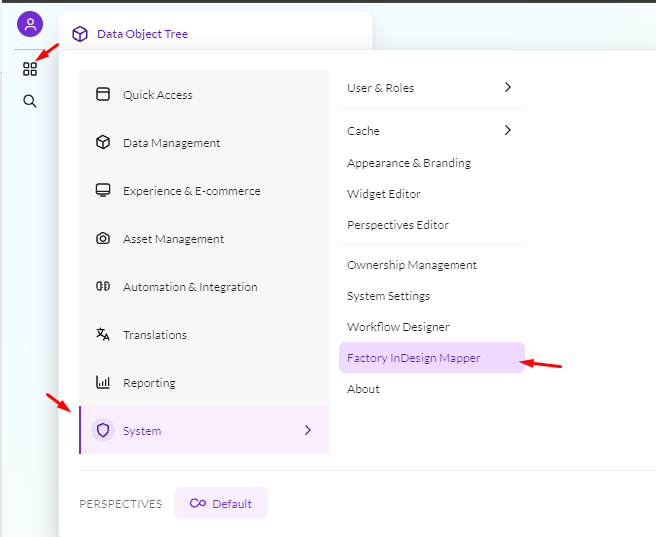
After the bundle has been successfully installed, open Pimcore Admin and click the Factory InDesign Mapper icon on the left side. Enter the Product Key supplied upon purchase and validate it.

After the bundle has been successfully installed, open Pimcore Admin and click the Factory InDesign Mapper icon on the left side. Enter the Product Key supplied upon purchase and validate it.