Attribute-level access
Define view and edit rights for individual attributes across your object classes. Configure rules by role and workflow state instead of maintaining a separate layout for every combination.

Manage granular Pimcore permissions and access control per role and workflow state independently, without turning routine updates into development tasks. The Factory Permission Bundle adds a structured permission layer on top of Pimcore’s native system.
Request a demoFactory Permission Bundle lets teams decide who can view and edit each product attribute in Pimcore, by role and by workflow state. For example, while a product is in Enrichment, the marketing role can edit its description and the technical role its specifications. When the product moves to Active, the same attributes become read-only for both roles. The rules are maintained in the Pimcore backend or in an Excel template, without building a separate custom layout for each role and state.
An additional permission layer within Pimcore, alongside native roles and existing custom layouts.
Define view and edit rights for individual attributes across your object classes. Configure rules by role and workflow state instead of maintaining a separate layout for every combination.
Set different rights for Draft, Enrichment, Active and your own workflow states. Support multiple workflows and evaluate the current state when checking access.
Use the same granular rules for attributes inside Classification Stores and Field Collections, including custom data models.
The bundle integrates into Pimcore authorization without changing core files. It adds read and write validation, can further restrict access and cannot elevate access denied by Pimcore.
Developers configure the integration; authorised teams maintain the rules.
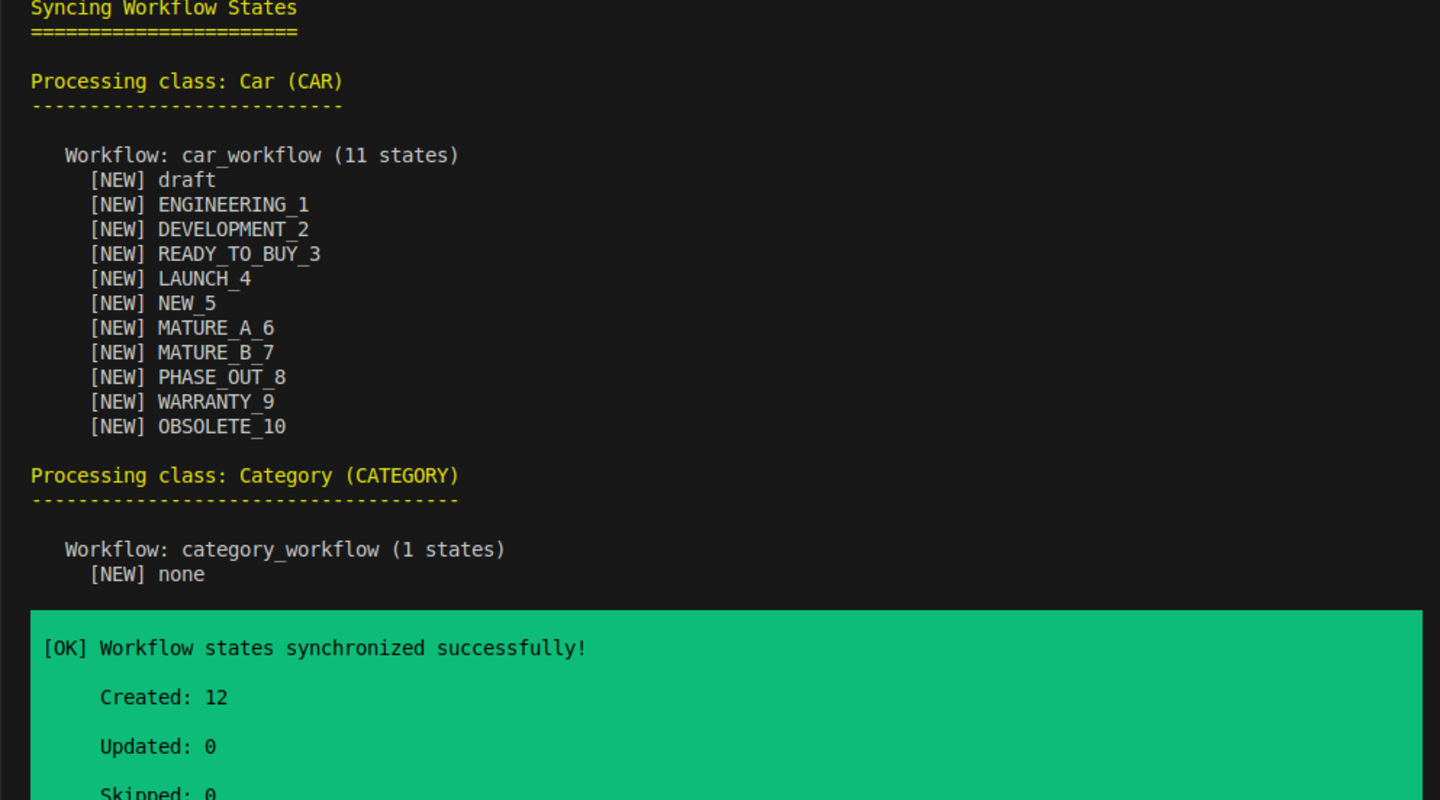
Install the bundle, synchronise workflow states through the CLI and configure service overrides where needed.
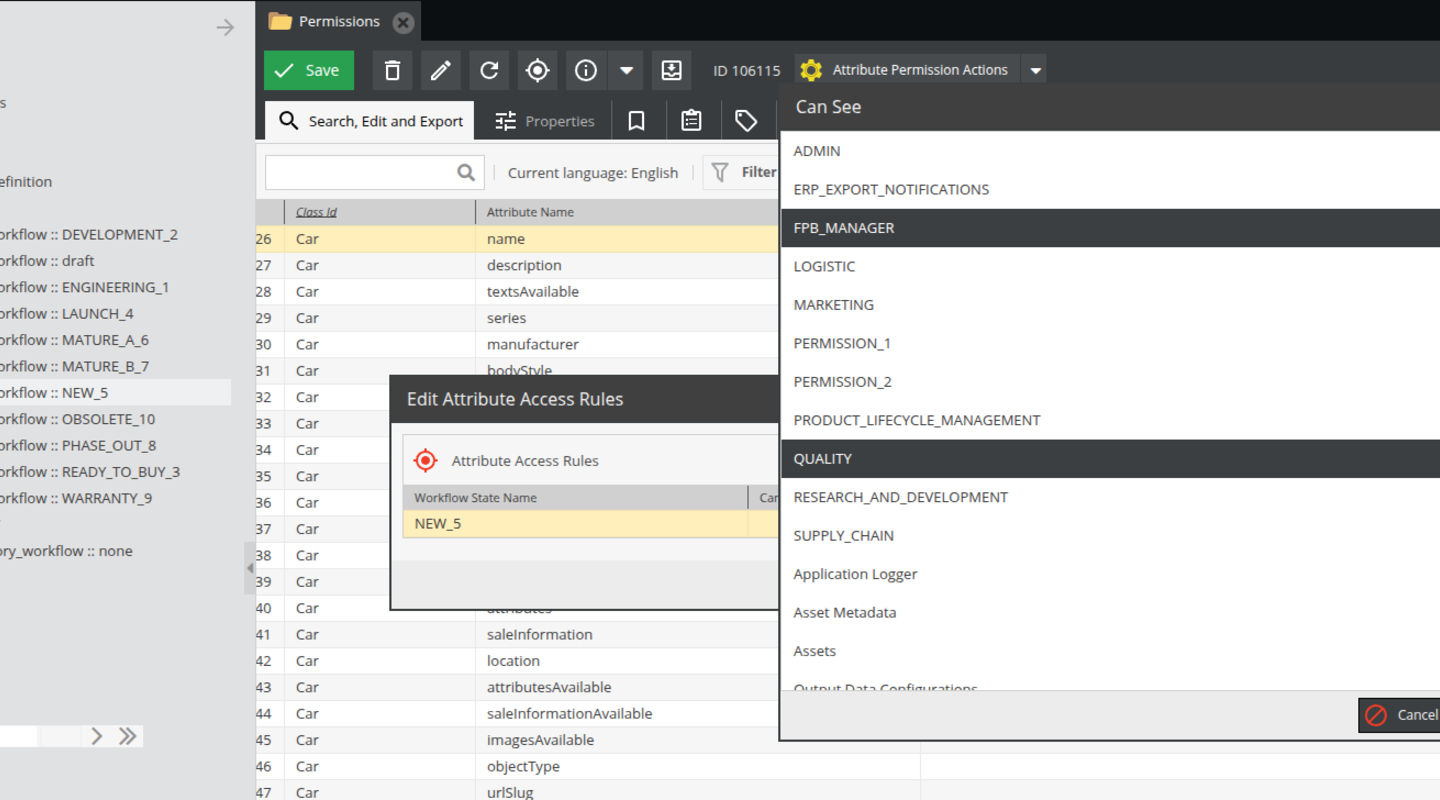
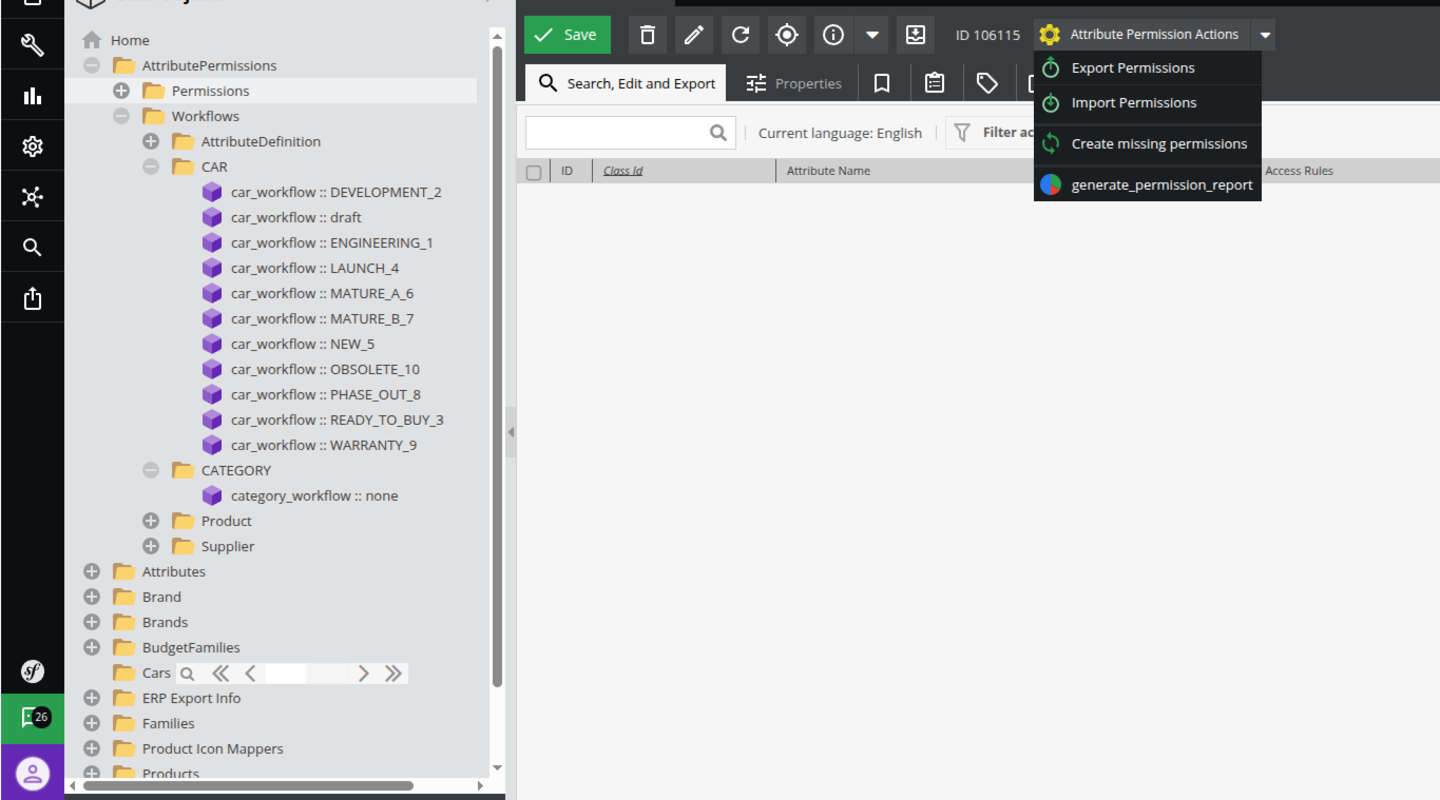
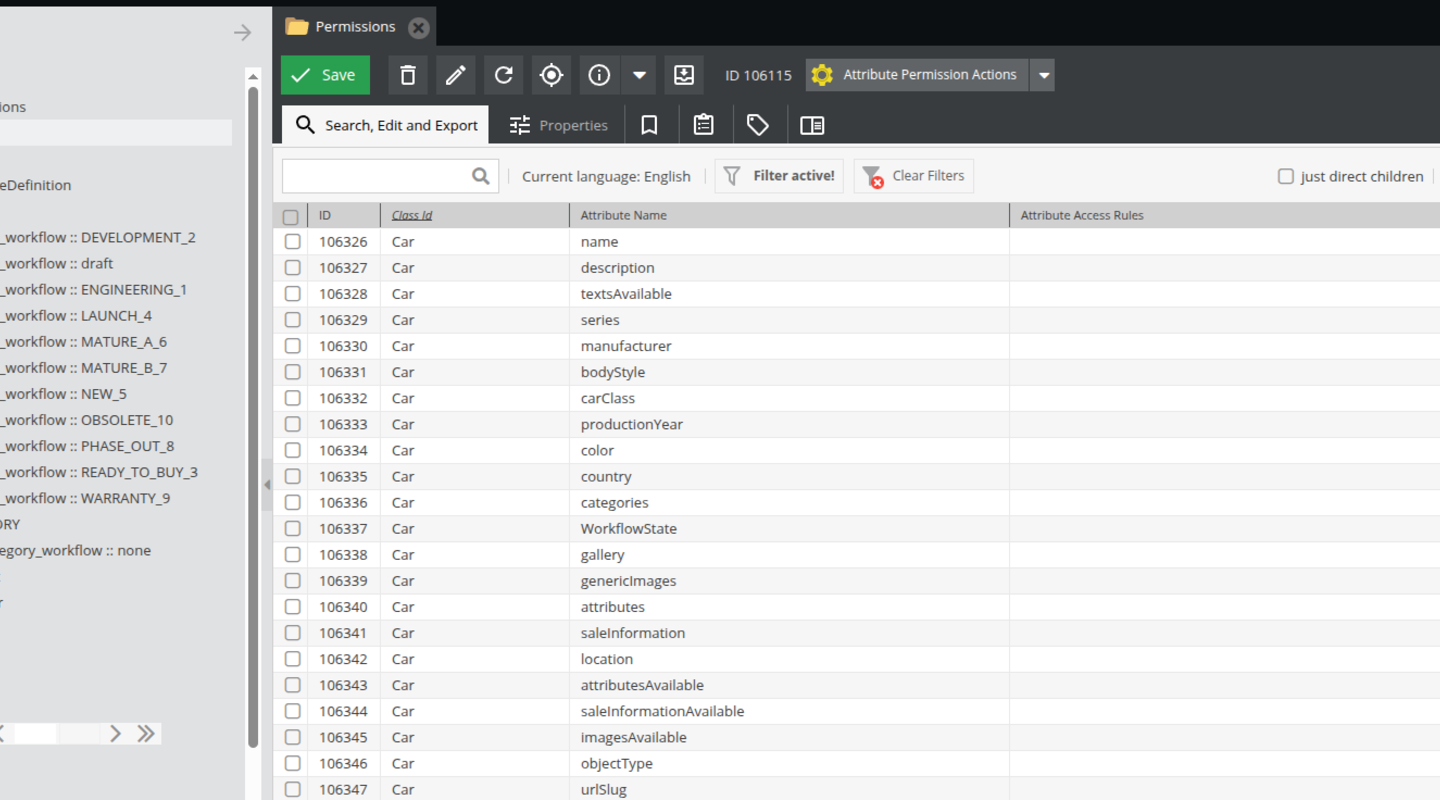
Create permission entries for classes and attributes. Set access by role and workflow state in the Pimcore interface or an Excel template.
Generate user reports, review exported matrices and generate missing permission entries when the data model grows.
Routine changes move into a structured configuration process.
Authorised users create and update permission rule objects through a structured backend interface. Search, edit and export attribute permissions from the grid.
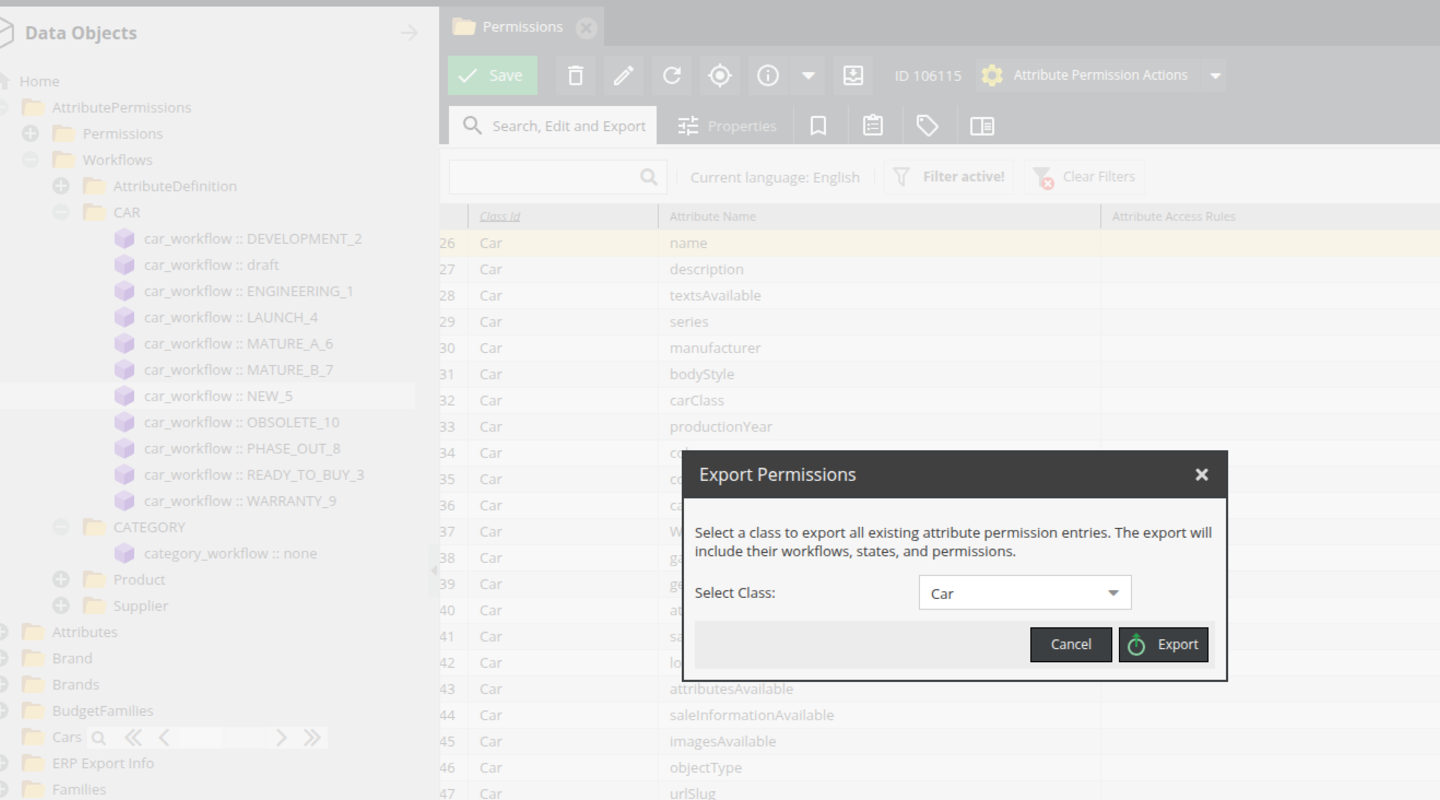
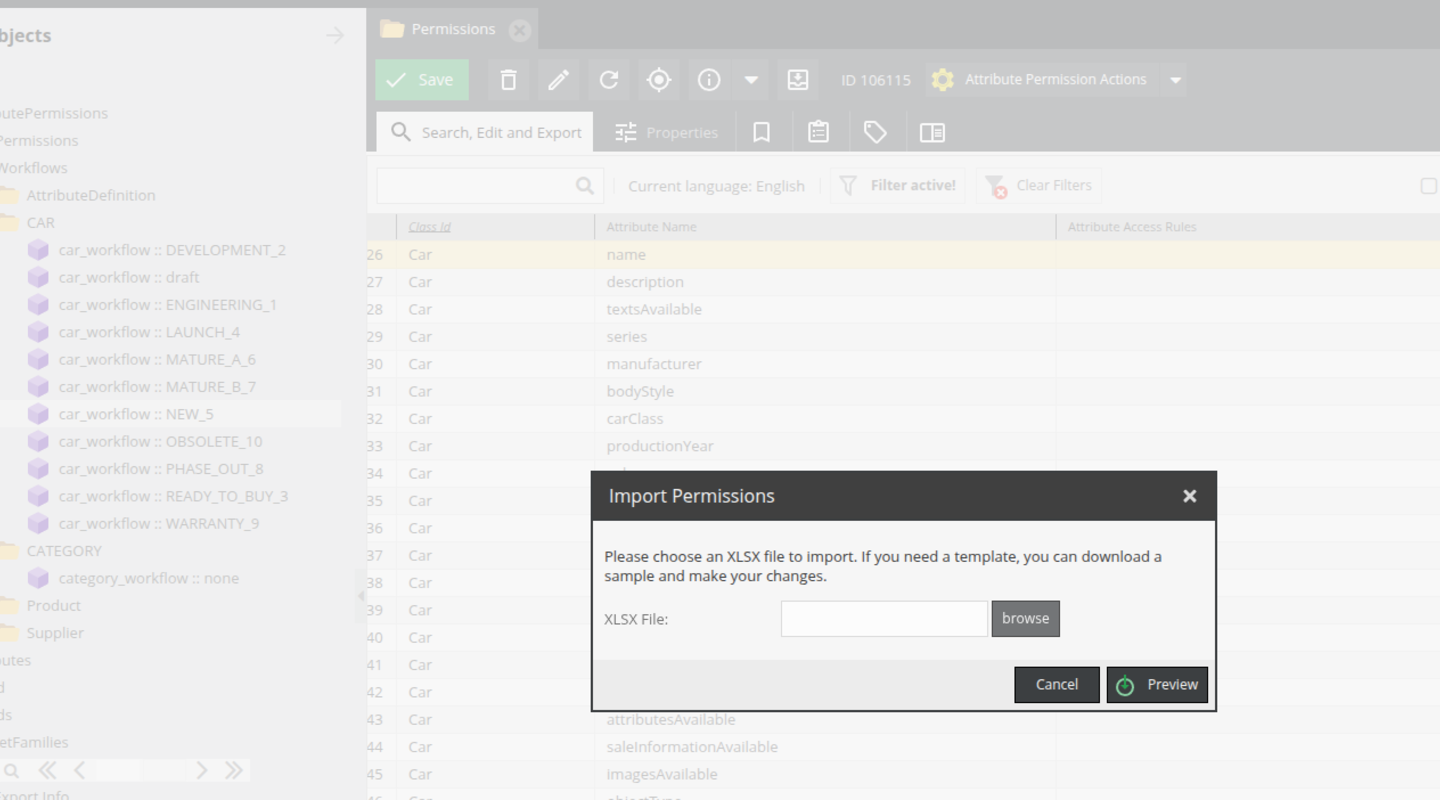
Export predefined templates with attributes, roles and workflow states. Business stakeholders can review and edit DENIED, SEE or EDIT values before changes are imported back into Pimcore.
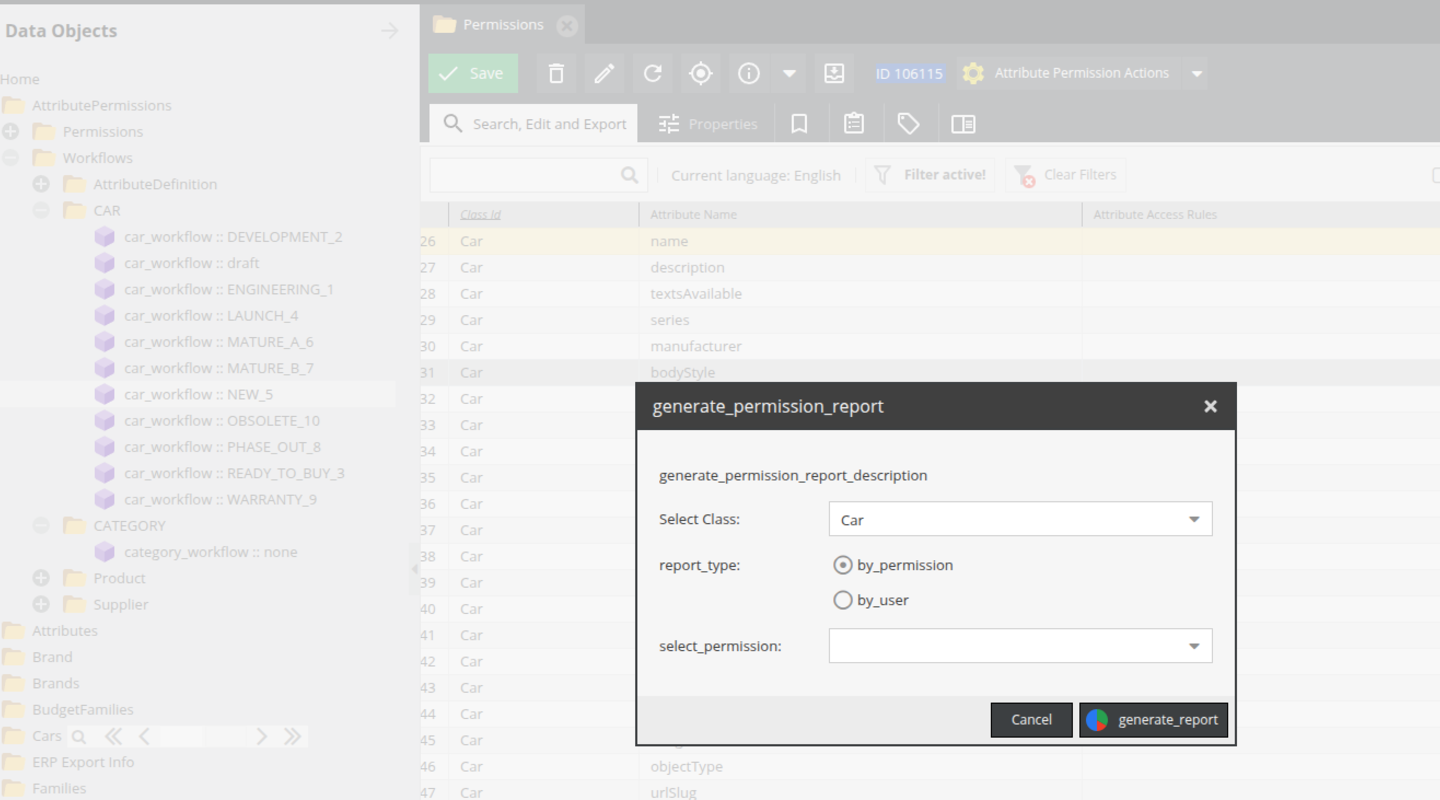
Generate a report of configured attribute permissions for a selected user. Review access across roles and workflow states for governance and access reviews.
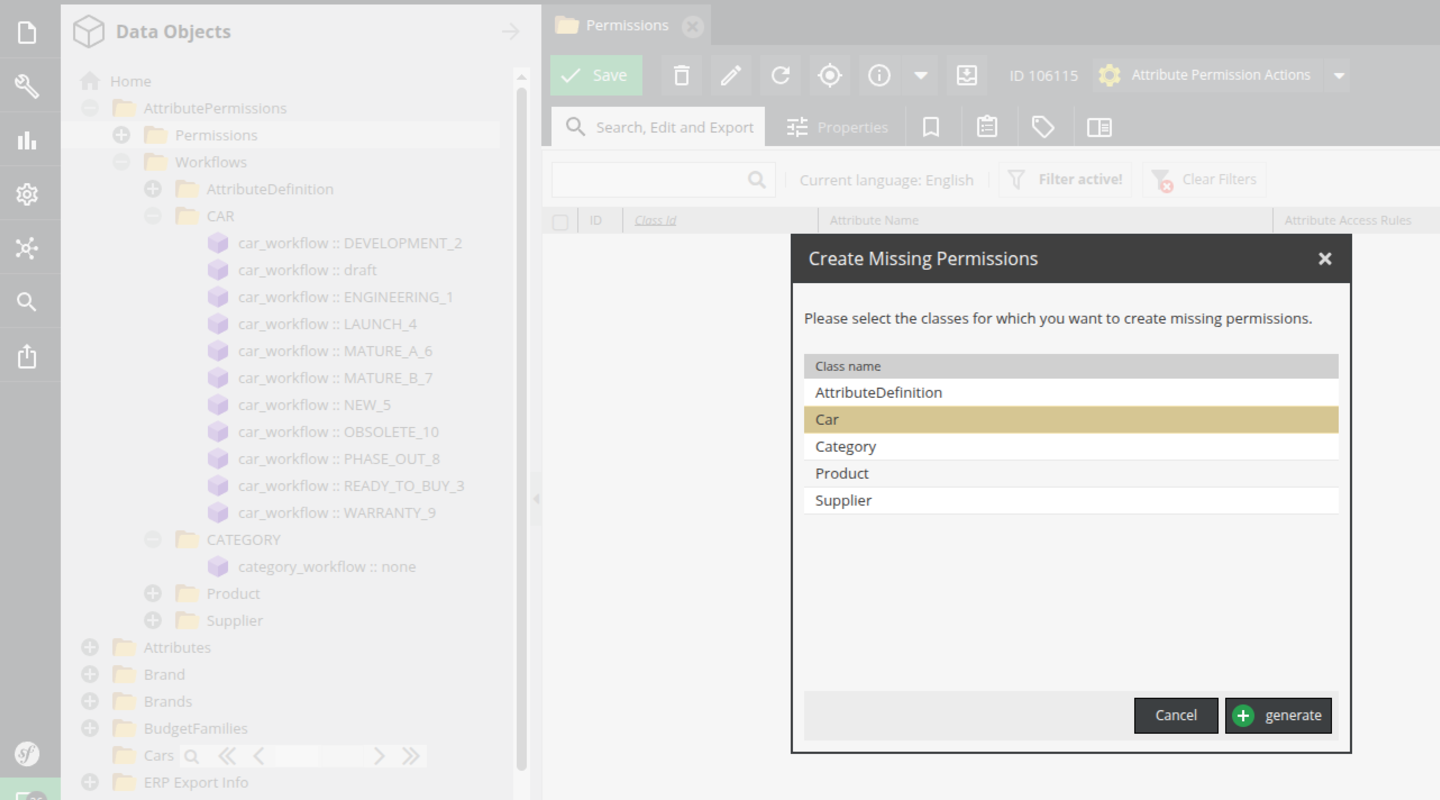
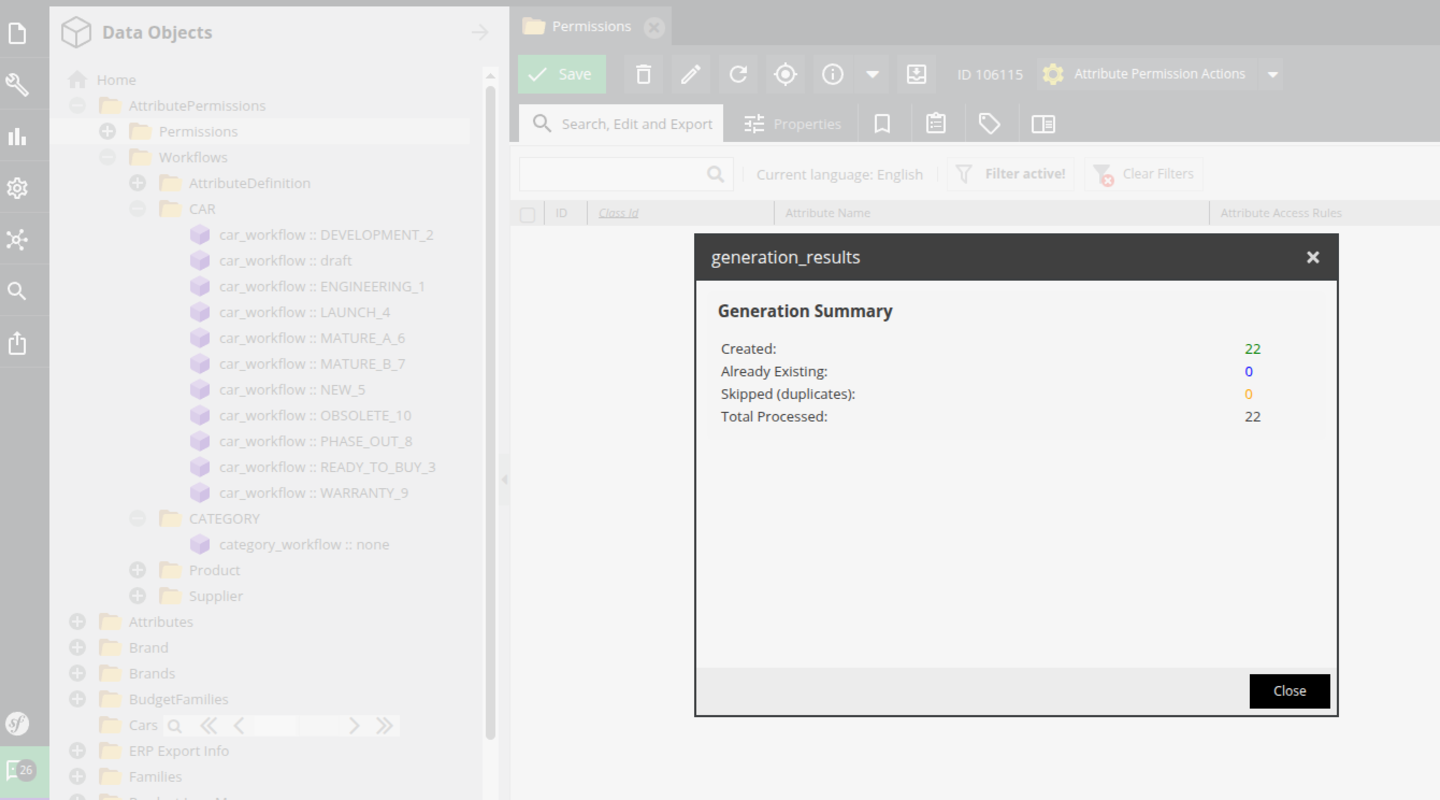
Create permission entries for newly added attributes or classes with one click, then configure their rules without rebuilding layouts or adding attribute-specific code.
Different responsibilities within one permission management process.

Perform the initial installation, synchronise workflow states through the CLI and configure service overrides. Revisit setup when workflow definitions or the system structure changes.

Authorised administrators and power users manage rule objects, set attribute rights and generate reports. Routine rule changes do not require development knowledge.

Review exported permission matrices in Excel without working in Pimcore. Edit DENIED, SEE or EDIT values and return the file for controlled import.
Explore configuration, Excel exchange, reporting and workflow setup.
Discuss your permission model and setup with Factory.
An annual commercial licence covers your organisation without limits on users or devices. Updates, maintenance and standard support are included.
An installation guide and user guide are included. Factory can provide installation and configuration services on request at an additional cost.
In the demonstration we walk through Permission Bundle on a Pimcore setup like yours. We focus on the work you want to improve and answer questions about your workflow.
Request a demoThe Factory Permission Bundle extends Pimcore’s default permission system with more granular control over users, roles, attributes, and workflow states. It enables structured access management across complex data models and workflows. Technically, the bundle integrates directly with Pimcore’s native permission layer without modifying core files. It hooks into the existing authorization logic and applies additional validation rules during read and write operations.
Yes. Permissions can be configured per workflow state, allowing different access rights depending on the current lifecycle stage of an object. The bundle also supports environments with multiple workflows and provides a clear overview of permissions across all configured workflows.
Yes. The bundle allows granular permission management at attribute level, giving administrators precise control over what users can view or edit.
No. It builds on top of Pimcore’s default permission system. Core permissions remain active, while the bundle adds additional granular controls and validation layers.
Permissions can be applied at: Role level Workflow state level Object and class level Attribute (field) level This allows highly granular access control tailored to complex business logic.
The bundle evaluates the current workflow state of an object during permission checks. Based on configured rules, access is granted or denied dynamically per state.
The bundle supports Pimcore Community and Enterprise Editions within its supported version range. Contact Factory to confirm compatibility with your Pimcore version and interface before installation.
The bundle supports permission checks in API interactions, including REST, DataHub and custom endpoints. Developers should verify that each integration uses the relevant permission checks and user context during setup.
Yes. The bundle is data-model agnostic and works with custom classes, field collections, and object structures.
Yes. The bundle allows granular permission control for attributes inside Classification Stores and Field Collections, which are difficult to manage using standard layouts alone.
Yes. Developers can extend or customize the permission logic using Pimcore events, service decoration, or custom business logic layers if needed.
The bundle is designed to integrate with Pimcore’s existing architecture. Assess permission checks against your own data model, workflows and integrations during implementation; the source does not provide performance benchmarks.
No advanced development knowledge is required. Permissions can be configured directly in the Pimcore admin interface or managed through an Excel file that can be exported, edited, and imported back into Pimcore. A user guide is included with the bundle to support administrators during setup and ongoing permission management. This allows technical administrators and power users to manage permissions without development involvement.
Clear attribute access rules, user permission reports and exported permission matrices support access reviews and data governance. The bundle supports compliance processes; it does not establish regulatory compliance by itself.
No. Installation follows standard Pimcore bundle installation procedures. An installation guide is included with the bundle to support the setup process. Installation and configuration services are available on request for an additional cost.
Yes. Permission matrices can be exported into a predefined Excel template that includes attributes, roles, and workflow states. The file can be reviewed and edited in Excel, then imported back into Pimcore to apply the updated permission rules. This enables structured audits and easier governance in complex environments
When new attributes or classes are introduced, permission entries can be generated with one click in the interface. Administrators can then configure the access rules without rebuilding custom layouts or writing additional logic.
Add more to your Pimcore when you need it.